Learn to park a car.
Understand every angle.
Learn parking online by watching a maneuver, trying it yourself, and seeing exactly where the car goes. Start with a generous space, then build up to the places that feel difficult.
Try reverse parking free →Five free scenarios · No account needed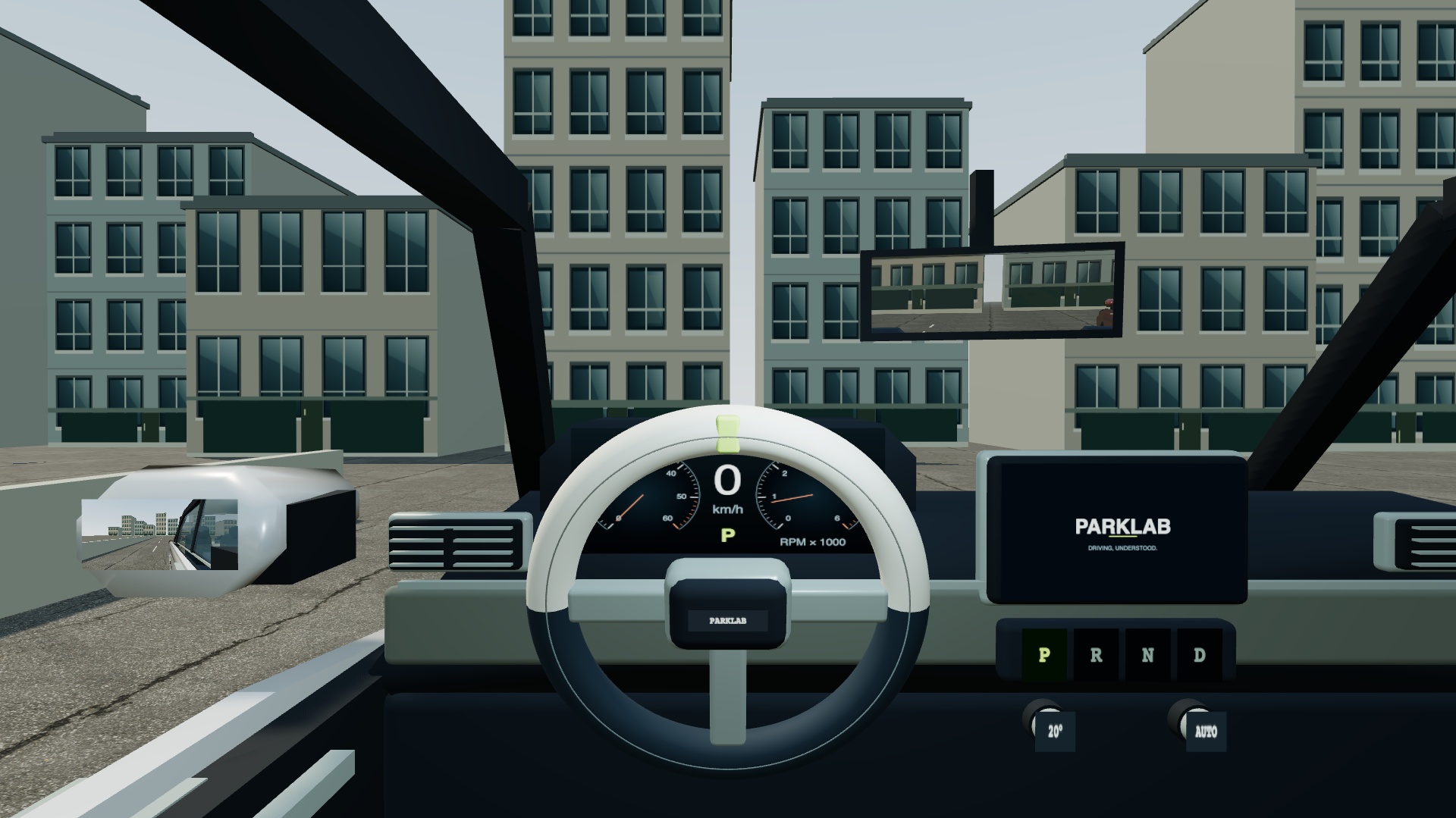
Which parking maneuver
do you want to learn?
A parking bay, a space along the curb and a narrow entrance ask different things of the car. Choose the situation you want to understand rather than jumping straight into the smallest gap. The white car is yours in every ParkLab exercise.
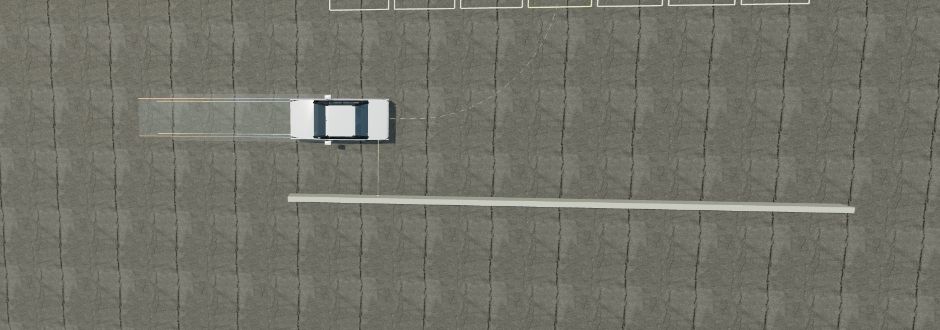
Reverse bay parking
Reverse between two marked lines. Watch both sides, the rear corners and the front swing. Compare the car’s angle with the bay before you make the final approach.
Practice reverse parking · Free →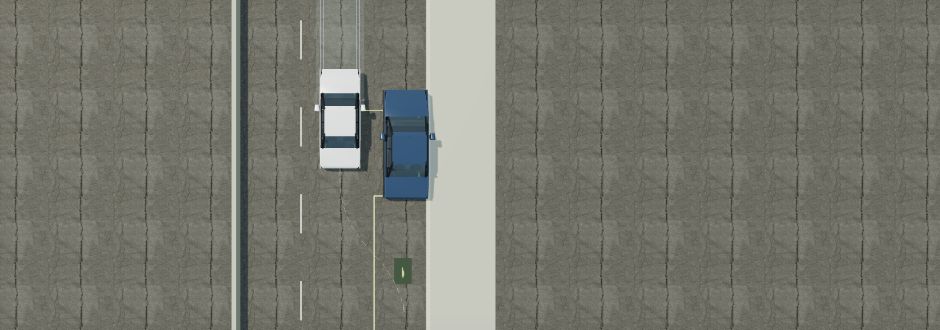
Parallel parking
Move into a space alongside the curb, between parked cars. Observe how the rear enters the gap while the front needs room to swing. Repeat on the other side to understand the mirrored maneuver.
Practice parallel parking · Free →Already comfortable with these? Try parallel parking on the left, then a narrow entrance. A three-point turn lets you study direction changes when there is not enough width for one continuous turn. All five are free.
Watch the path.
Then take the wheel.
Use this routine inside the simulator. It gives you a specific observation to work on each time, rather than asking you to memorize a sequence of steering turns that only works in one layout.
Choose Beginner and inspect the space.
Open the exercise and look at its target, surrounding cars and obstacles. Switch to Geometry to understand the available room, then return to Cockpit. Notice which parts of the scene are visible in each mirror.
Watch the demonstration from two views.
Use the colored Demo button. First watch from the driver’s seat; then replay from Geometry or Outside. Pause when the car starts turning, when it comes closest to an obstacle, and when it begins to straighten. The moving front corners matter as much as the rear-wheel path.
Make your own slow attempt.
Use ↑ to move forward, ↓ to reverse and ← / → to steer. Hold X to brake. Stop before changing direction or cycling gears with W. Use short movements so you have time to observe the changing angle and clearance. Touch controls provide the same actions on mobile.
Stop and check more than one perspective.
Compare the two side mirrors. The rear camera helps you see behind; an outside view helps explain a corner you missed. Check the whole car, including its mirrors. Leave room for corrections instead of treating the smallest sensor reading as a target to reach.
Review, correct one thing and repeat.
Choose Finish & review, then inspect your replay and measured contacts. Was your starting position awkward? Did you keep turning for too long? Change one part of your approach and try again. Increase difficulty after you can finish with clearance and controlled speed.
What to look for
when it goes wrong.
The front touches while you are reversing.
Reversing does not make the front disappear. A turn can move the front corner toward a wall or a neighboring car. Pause your replay just before contact and compare Cockpit with Geometry. Look at the space needed by the full body, not only the path behind you.
You arrive between the lines at the wrong angle.
Inspect the moment you began straightening the wheel. In the simulator, steering takes time, and the car continues to move while the wheels change direction. Try a smaller movement, stop to compare both bay lines, and use the space available for a correction.
A reference point works once, then stops working.
Seat position, mirror aim, vehicle dimensions and the approach all affect the picture you see. ParkLab lets you change the view and inspect the geometry. Use a reference point to support your observation; check that the rest of the car still has clearance in the current layout.
A few useful answers.
Can I learn parking online for free?
You can practice five complete ParkLab scenarios without paying or creating an account. Demonstrations, camera views and replay help you study the maneuver. Full Access adds the rest of the 29-scenario library and 17 Extreme challenges for a one-time €9.99 payment, with no subscription.
Can I practice on my phone?
Yes. Turn the phone to landscape before driving or watching a demo; portrait mode pauses the session. Use full screen when your browser supports it to give the road, mirrors and touch controls more space. Desktop controls use the keyboard and clickable buttons.
Will my practice history follow me to another device?
Create an account to save your progress on the server. Sign in on another device to retrieve it. Free practice remains available without an account, but guest sessions do not give you a synchronized practice journal.
Does the simulator replace driving lessons?
ParkLab explains vehicle movement in a simulated environment. It does not provide driving certification, reproduce every real car or include moving traffic. Practice in a real vehicle with appropriate instruction and follow local rules. For further reading, see the AA bay parking guide and RAC parallel parking guide; their road and test advice is written for the UK.